
Overview
In this guide we will elaborate how to create a pop up invitation that will enable you to embed in your website and when clicked the user will be re-directed to the survey.
Steps
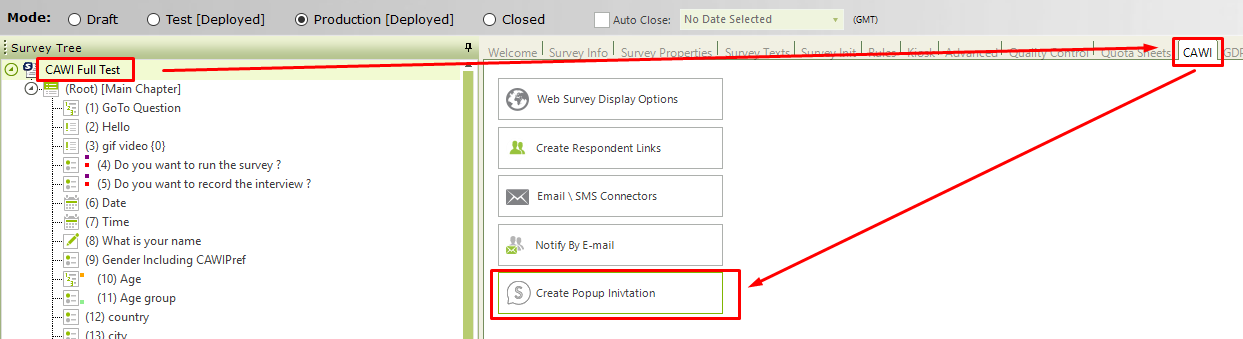
- Navigate to the survey Root - CAWI - Create Popup Invitation
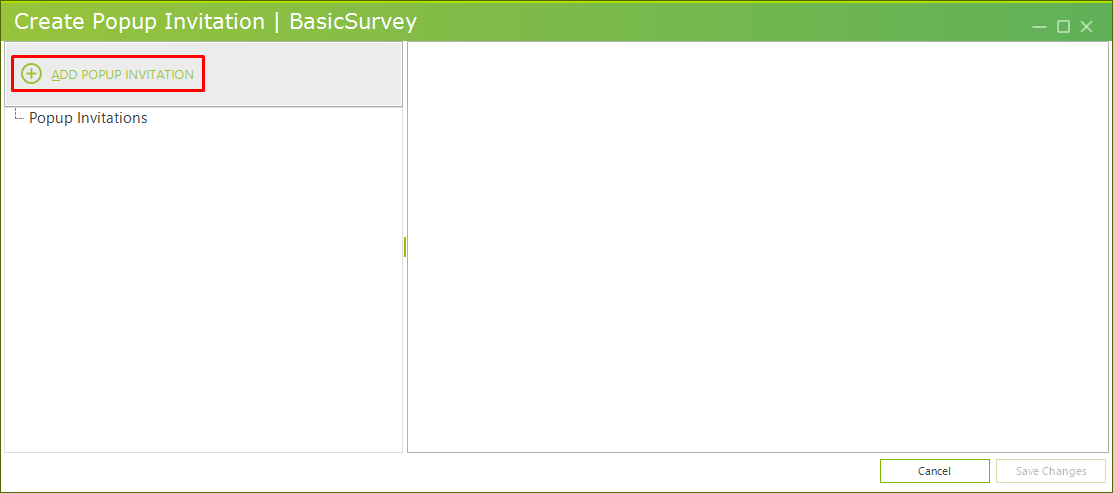
- Click on the 'Add Popup Invitation'
- A blank new invitation will be added - Fill in the fields
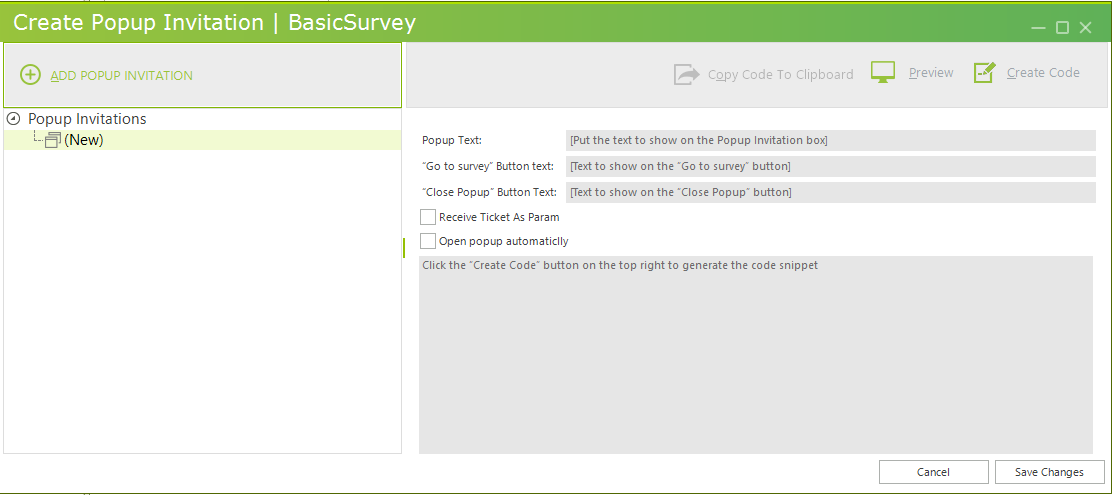
- Popup Text - the name of the popup invitation
- 'Go to Survey' Button Text - Enter the text for the go to survey button
- 'Close Survey' Button Text - Enter the text for the Close survey button
- Receive Ticket as Param - Enable if you would like the Ticket to be as parameter in the invitation
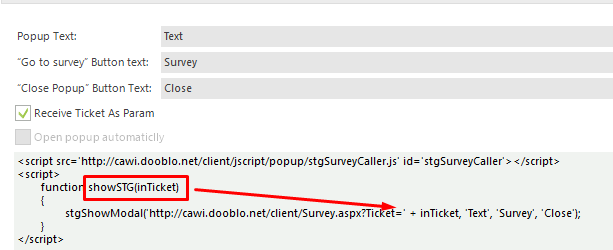
or disable for ticket to be hard coded
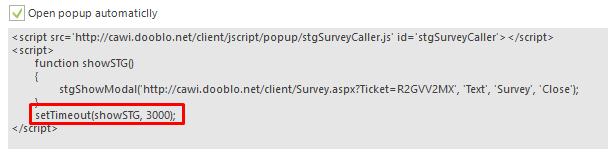
- Open pop up Automatically - Enable this option if you would like to set the invitation link to be automatically opened by setting time in milliseconds.
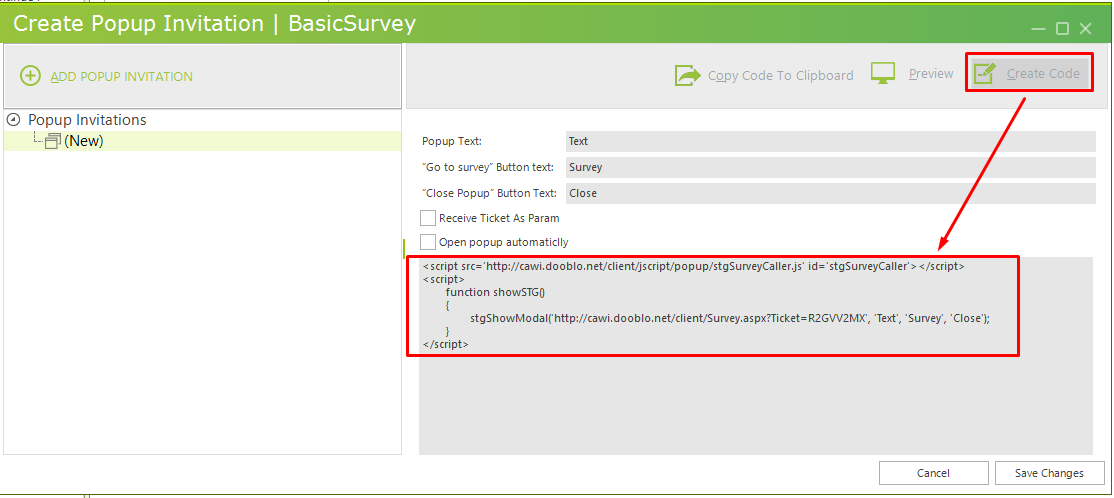
- Once you are done click on 'Create Code' to generate the code
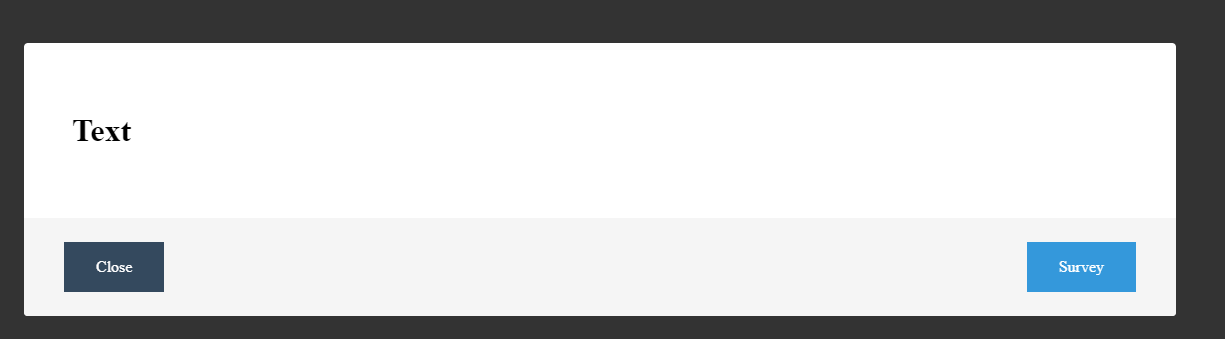
- Click 'Preview'
- Once ready click on 'Copy Code to clipboard' to copy and paste it into your website

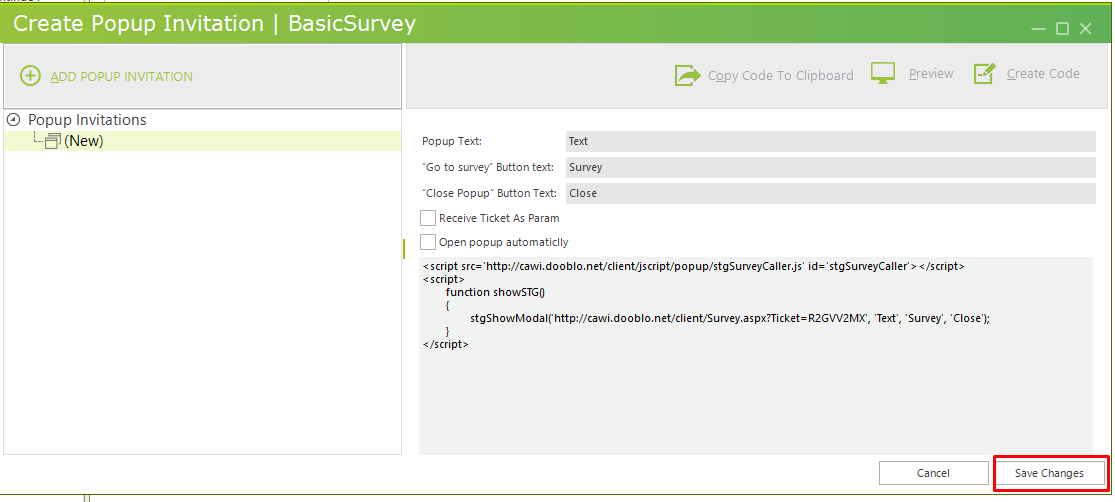
- Click on 'Save Changes' to save your work
That's It !
Comments
Please sign in to leave a comment.